
Document Processing
Learn how to convert documents into knowledge for your AI applications. Process PDF files, including their images and tables, into structured data.
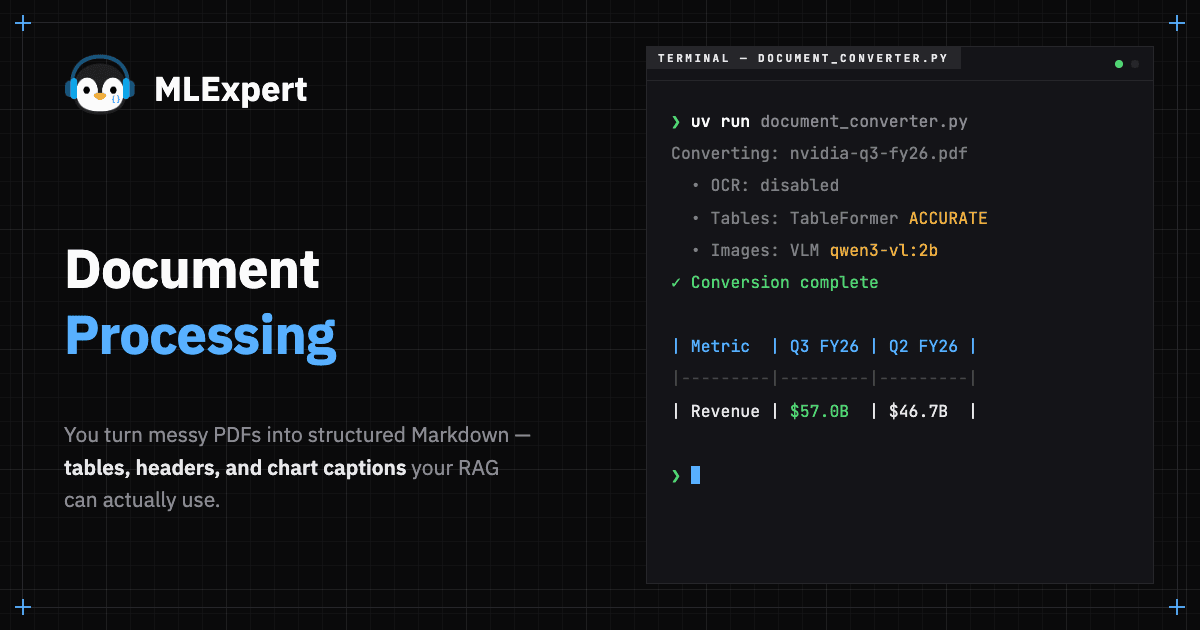
Most RAG systems fail before the first embedding is generated. They fail at the ingestion layer - and most developers blame the model.
Here's the problem: PDFs were designed for printing, not data extraction. A PDF doesn't store "Table 1: Q3 Revenue by Region." It stores coordinates: "Draw '$57.0B' at position (342, 156), draw 'Revenue' at position (120, 156)." When you extract text blindly, you get characters in reading order, but the spatial relationships (e.g. which number belongs to which label) are lost.
This tutorial fixes that problem. We'll build an ingestion pipeline using:
- Docling1 for layout-aware parsing that understands tables, sections, and document hierarchies
- Vision-Language Models (VLMs) that can "read" charts and automatically generate text descriptions
By the end, you'll have a system that converts complex PDFs into Markdown that preserves structure and meaning, the kind of data RAG systems need to actually work.
What You'll Build
- A document converter that preserves table structure using layout analysis
- Integration with a local Vision-Language Model for image captioning
- A pipeline that exports Markdown with preserved headers, tables, and image descriptions
- Quality and visual verification to catch failures before they break your RAG
Project Setup
- 01All 6 modules · 40+ hands-on tutorials
- 02Source code, repositories, and architecture diagrams
- 03Portfolio artifacts: apps, APIs, eval reports, dashboards, capstones
- 04Live sessions + every recording
- 05Discord community access
- 06Certificate of completion with public verification URL
30-day money-back guarantee. One email, full refund.