
Docker Basics for AI Apps
Learn the Docker concepts needed to run local AI services, databases, and app dependencies without environment drift
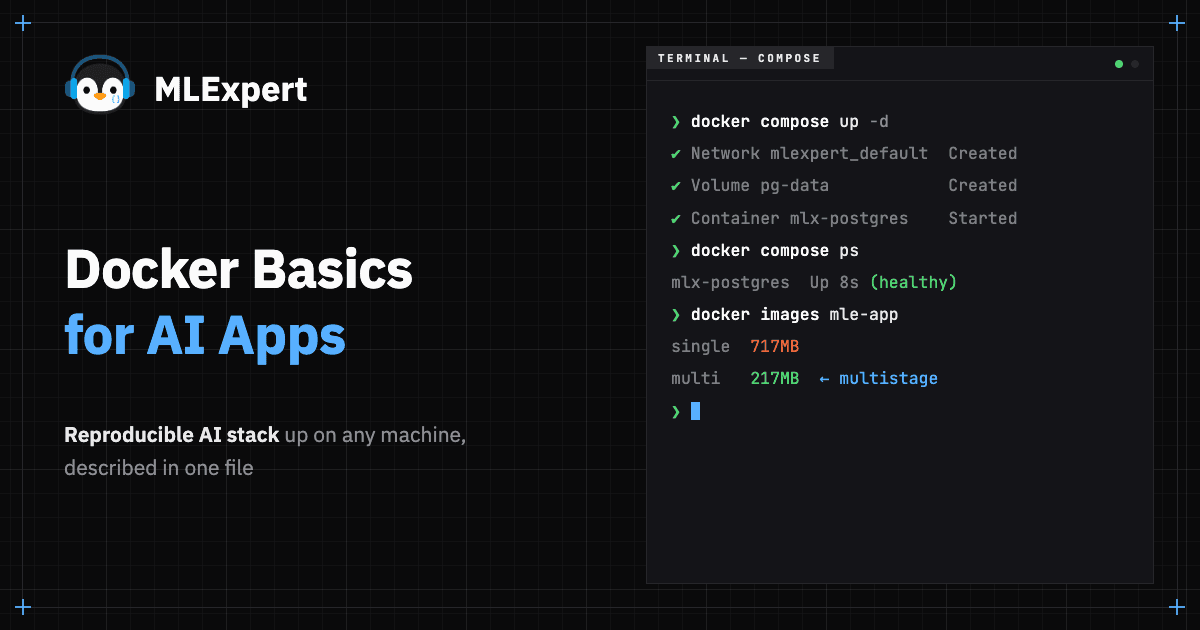
AI apps are stacks of a variety of software, a Postgres with vector search here, a vLLM daemon there, a Python process gluing it together. Docker1 is the layer that makes "works on my machine" stop being a question worth asking. The previous tutorial got your Python toolchain in order. This one builds the layer underneath it, turning a single container into the multi-service stack every later academy project depends on.
What You'll Build
- A Postgres + pgvector container you can manage
- Learn port management to your host so any client can reach it
- A named volume that survives container deletion
- A multistage
Dockerfilethat bakes your app into a slimmer image - A
compose.yamlthat brings up your app's entire stack with one command
Why Docker Matters for AI Apps
Dependency hell hits every AI engineer eventually, the classic failure looks like this. You install psycopg2 from PyPI, it pulls a wheel built against one libpq, your server is on a Linux distro that ships a different one, and the import blows up only on deployment:
ImportError: libpq.so.5: cannot open shared object file: No such file or directoryNothing in your code is wrong. The host changed, and the host is part of the program whether you wanted it to be or not. Docker fixes this by making the host irrelevant - the container ships its own libpq, its own Python, its own everything. The only thing the host has to provide is the Docker runtime.
Images vs Containers
- 01All 6 modules · 40+ hands-on tutorials
- 02Source code, repositories, and architecture diagrams
- 03Portfolio artifacts: apps, APIs, eval reports, dashboards, capstones
- 04Live sessions + every recording
- 05Discord community access
- 06Certificate of completion with public verification URL
30-day money-back guarantee. One email, full refund.
References
Footnotes
-
Docker Documentation — Reference for the CLI, Compose, and Dockerfile directives ↩
-
pgvector — Postgres extension for vector similarity search; operator and index reference ↩
-
Postgres Official Image — Environment variables, init scripts, healthchecks ↩
-
Best Practices for Writing Dockerfiles — Layer caching, multistage builds, and image size ↩
-
.dockerignoreReference — Patterns and gotchas for the build context ↩ -
Compose Specification — The cross-tool spec behind
compose.yaml↩